Preserve memories and records forever
Your Digital Construction Journal for Building a House
Document your construction progress with photos, notes, and milestones, and capture both the small and big moments of building your home—from the groundbreaking to moving in. This not only creates a personal keepsake but also serves as reliable documentation of your project.



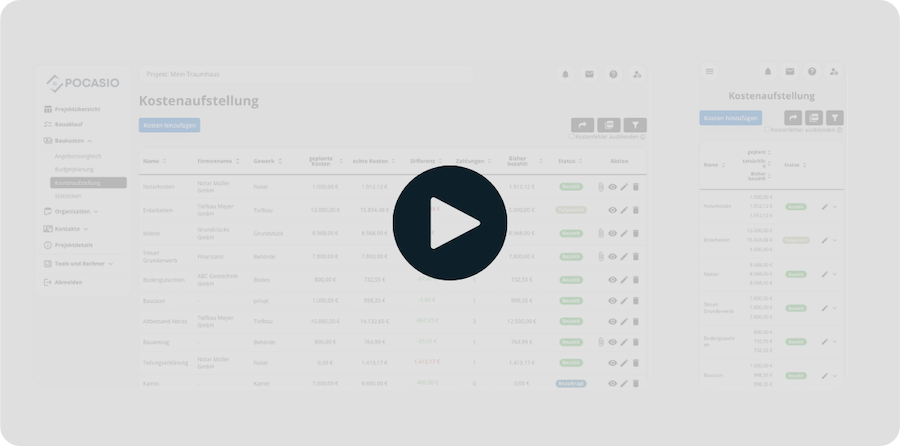
Without a construction log, you’ll quickly lose track of the big picture, documentation, and memories
During the construction of a house, countless things happen at the same time: different trades work in parallel, invoices start coming in, and important inspections take place. Many homeowners don’t consistently document these steps and only realize later how valuable photos, notes, and supporting documentation would have been. As a result, memories fade, disputes become difficult to substantiate, and the progress of the construction project gets lost in the hustle and bustle of daily life.

Memories fade
Most homeowners build a house only once in their lifetime. Without a construction journal, many small and big moments that make this journey unique are lost.
No evidence
If defects arise or a dispute occurs with a company, there is often a lack of supporting documentation. Without proper documentation, it is difficult to enforce claims.
Construction Progress Is Unclear
Whether it’s acceptance, delivery, or construction progress—without clear records, the processes become unclear in retrospect and important details are lost.Construction Log Software for Homeowners: Digital Instead of Sticky Notes and Phone Galleries
With the POCASIO construction diary, you can keep a complete record of your construction project. Photos, notes, and milestones capture all the important steps—from the groundbreaking to moving in. And best of all: With every entry, you decide whether it remains private or also appears on the public construction blog for your friends and family. This creates a personal chronicle that preserves memories while also serving as reliable evidence in the event of a dispute.
Your Construction Diary—Documented Day by Day
Document the most important steps in building your home—with text, pictures, and comments. From the groundbreaking to the handover of the keys, this will create a cherished memory for you and a true chronicle of your project.
So that, even years from now, you’ll still remember how your dream of owning a home came true!
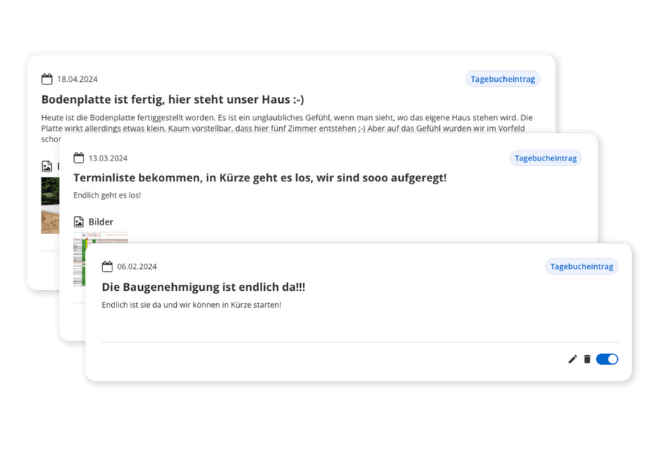

Share moments with friends and family—if you want to
Want to keep your friends and family up to date with a home-building blog? Then activate it with just one click. We’ll automatically create a modern website featuring photos, construction details, and the posts you choose to share. No need to write the same thing twice—just share the link, and everyone can follow along.
So you can share your home-building journey without having to do it twice!
Private or public: Full control over your posts
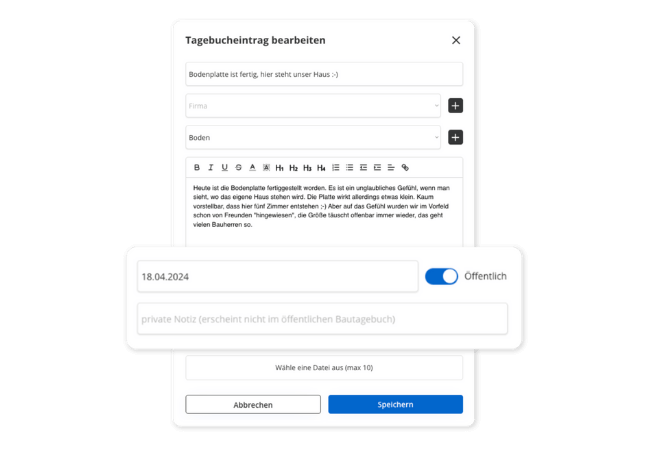
Not every moment is meant for the public. That’s why you can choose for each post: Just for you—or visible on your public page as well? This way, you don’t have to post the same thing twice and still have full control.
So you can share your story—but only as much as you want to!
But that’s not all!
In addition to comprehensive documentation, the POCASIO construction log offers many other features that make your day-to-day life easier. Whether it’s private notes, multiple photos per entry, or your automatically generated public page—you decide at any time what remains visible only to you and what you’d like to share. Thanks to mobile access, you can record entries right on the construction site and always have your construction history at your fingertips.
Entries with text, images, and dates
Document each stage of construction with notes, photos, and the corresponding date—whether for yourself or to share with others.“Not shared” means private
Only posts that you actively share will appear on your public page. Everything else remains completely private and visible only to you.Modern Home Building Blog Included
The public diary page is automatically formatted with project information, a cover photo, and your shared entries—no design work required.Personal notes remain private
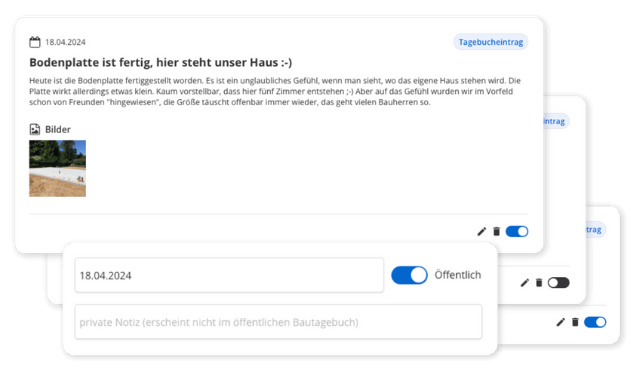
Add private thoughts or memories that are visible only to you—even if the post is set to public. This way, you don’t have to create duplicate posts and can still keep private notes.Weather data included upon request
With a single click, you can also automatically retrieve weather data for the entry you’ve created—for both new and past entries. This lets you see how the weather affects the construction site.Construction Diary App for iOS and Android
Enter the information while you’re still on the construction site. The POCASIO app is available in the App Store and on Google Play, and the same entries will be available on your computer that evening.
3 Steps to Creating a Construction Log
Document every step with text, photos, and the corresponding date—from the groundbreaking to moving in. This creates a complete chronicle of your project. Weather data can be included upon request.
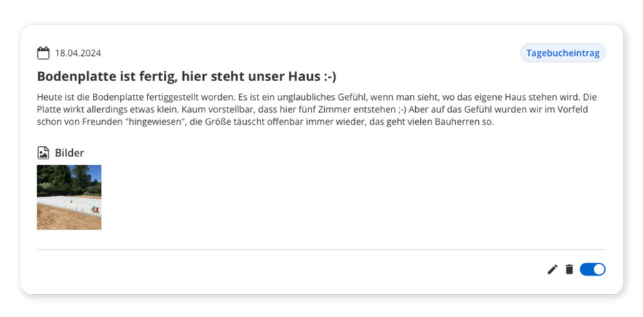
3 Steps to Creating a Construction Log
For each post, you decide whether it will remain visible only to you or also appear on the public construction blog. This way, you can combine personal memories with insights for family and friends.
3 Steps to Creating a Construction Log
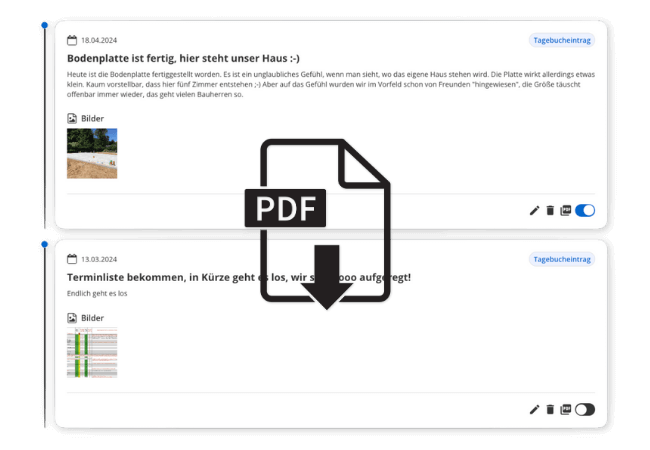
All entries are sorted chronologically, can be accessed at any time, and can be exported as a PDF upon request. This allows you to preserve not only your memories but also valuable documentation for your construction project.

With POCASIO, your project will be unforgettable—and verifiable at any time
Without a construction log, memories and important details fade away. With POCASIO, you can document every step—completely, transparently, and, if you choose, share it with family and friends.
POCASIO in Comparison


Document Construction Progress with Text and Pictures
Retrieve weather data for the entry with a single click
Chronological Overview of All Entries
Private entries and notes are allowed
Public Housing Construction Blog with No Extra Effort
PDF Export for Documentation
Share a project with a partner and have shared access
Many other features, such as budget planning, construction schedules, checklists, construction guides, and much more, make it the perfect companion for your construction project
Thousands of users. A tool for every construction project.
Whether it’s a single-family or semi-detached house, an apartment building or residential building, a single apartment, hotel, or restaurant: POCASIO helps to implement construction and renovation projects in a less stressful, clearer, and more cost-effective manner.









Start your Own Construction Project for Free Now.
With POCASIO, you can organize your construction or renovation project in one place and always have all the information in your pocket!
Frequently Asked Questions
Here you’ll find out what other builders, renovators, and project managers wanted to know before getting started with POCASIO.
You can add text, photos, and the corresponding date. This allows you to document construction progress, special events, and important records in chronological order.
Your construction blog will be created automatically—complete with project information, a featured image, and all published posts. You don’t have to design or program anything—just activate it once.
No. By default, all posts remain private. They will only appear on your public construction blog page if you actively share them.
Yes. You can add internal notes to any post that will remain visible only to you—even if the post has been made public.
Yes. With just one click, you can export the content as a clear, easy-to-read PDF. That way, you’ll always have your data at your fingertips—to save, print, or share with others.
POCASIO offers a free basic version that works great during the planning phase. Once your construction phase begins and you want to track payments, for example, you can do so with the Plus license. The good news is that, thanks to the free license, you’ll know by then whether POCASIO is the right solution to support you through the end of your project.
POCASIO Plus is available as a monthly or annual subscription. Alternatively, you can purchase a one-time license if you don’t want to make recurring subscription payments. You can find the current prices on our Pricing page.
Yes. POCASIO is available as an app for iOS and Android on the App Store and Google Play. You can enter your details, including photos, right on the job site, instead of having to reconstruct them from memory later that evening. You can then continue working on the same project on your computer.
A renovation is actually more rewarding than a new construction project. You have real “before and after” photos: the same room with the old wallpaper, and then six months later, when it’s finished. With a new construction, something grows out of nothing; with a renovation, you can see in every photo how the house becomes more modern, bit by bit.
It stays. You can export the entire chronicle as a PDF and keep it, even if you stop using POCASIO at some point. Many people leave their construction blog online afterward because it’s the only thing that provides a coherent record of the journey from an empty lot to moving in.
Sooner than most people think. The purchase agreement, the demolition of the old structure, the initial excavation work: Right now, it all feels like just the preliminaries, but a year from now, it’s exactly the part you won’t even remember. Start counting from the day the property becomes yours.
Then simply try it out for free! And if it’s not for you, you can delete your account at any time via your profile settings. And perhaps you could even let us know what you felt was missing, so that we can make POCASIO even better!